Deploying a Blueprint
Once you have created a blueprint you can deploy it to a cloud platform. For details about creating a blueprint, refer to Creating a Blueprint.
To deploy a blueprint:
From the
Blueprintspage, select the blueprint you want to deploy.Click on
deployin the top right.Enter the
Nameof the deployment.
- Select the target platform you want to deploy to.
Note
Currently only AWS and Azure are supported.
Select the cloud account you want to use to deploy the blueprint.
From the drop-down menu, select the
Regionin which the blueprint should be deployed and fill in any additional information required.On the bottom of the page, there is a list of the appliances used by your blueprint. For each of these appliances, you can see their current status. All the appliances need to be ready (an appliance is ready when its last version is published to the selected region). If an appliance is not in
Readystate, you will not be able to publish. You can prepare it for deployment directly from this page by clickingprepare.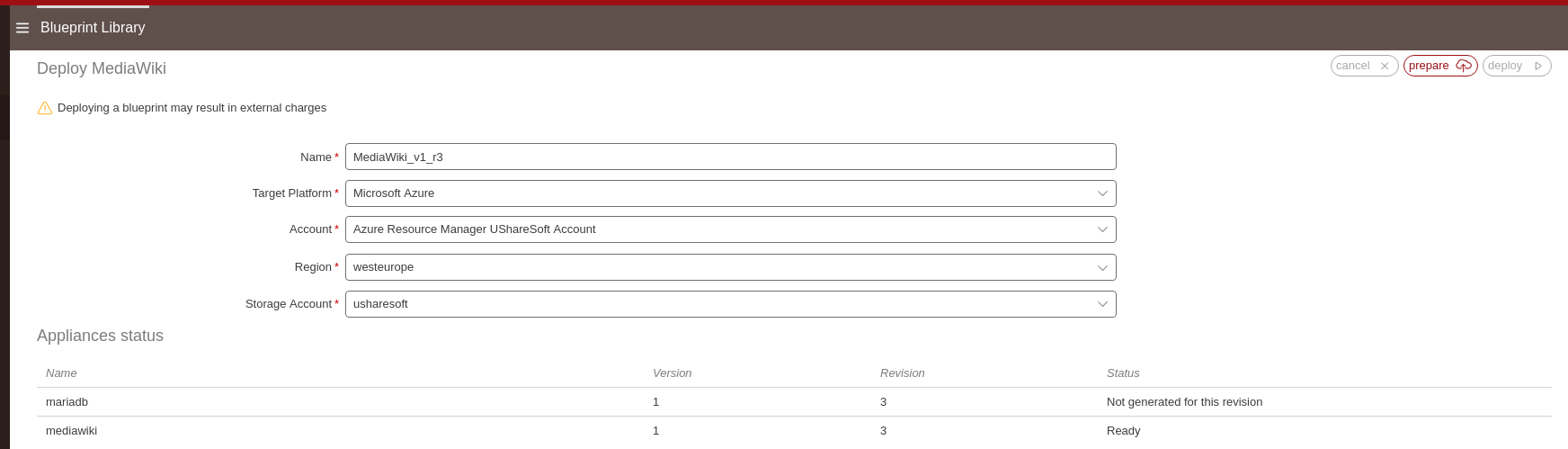
The appliances that were not in
Readystate will go to stateGeneration ongoingthen toPublish ongoing.Note
Using the prepare button will automate the generation and publication of all the appliances that are not in ready state. However, you could also generate and publish each appliance seperately.
Once all the appliances are ready, click on
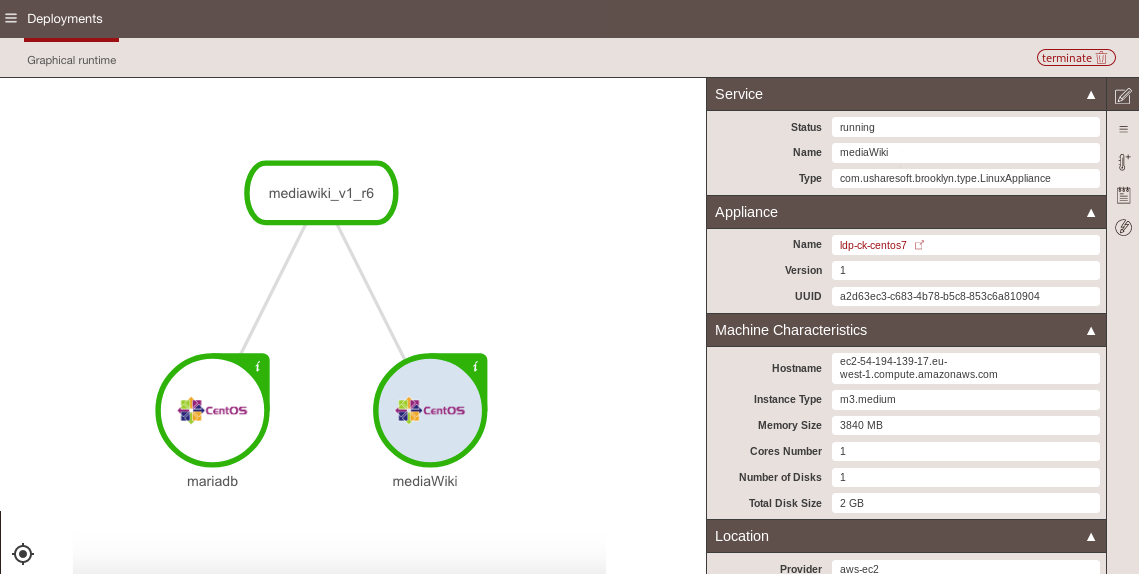
deployin the top right. Once you launch the deployment, you will be redirected to theDeploymentspage. From here you can see the status of the blueprint. The elements will be flashing green throughout the deployment process. Then the status of each element is color coded:
- green is ok
- orange is stopped
- red is error
The following is an example of a deployment.
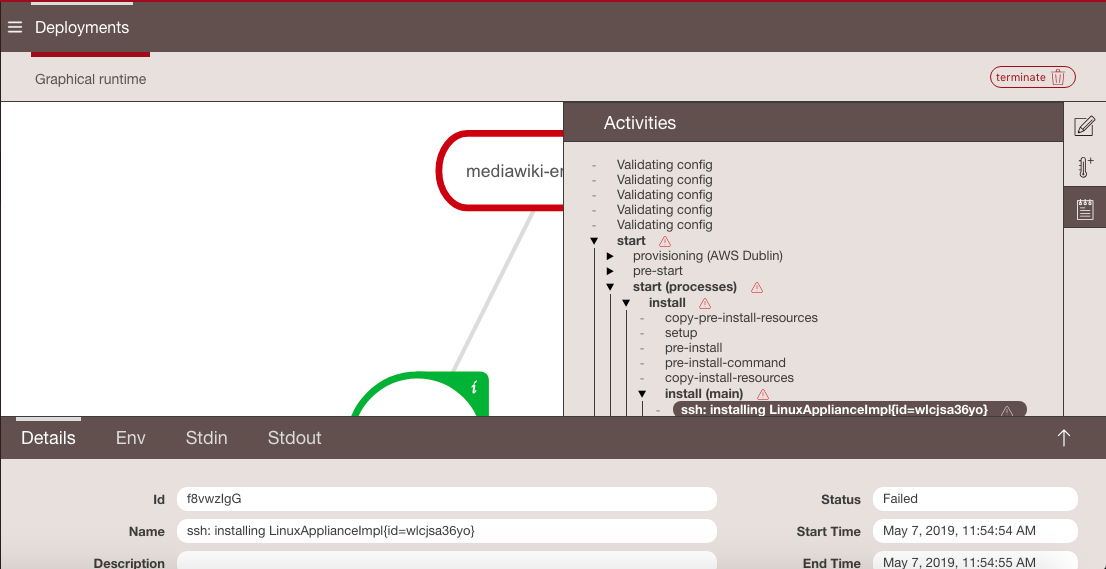
If there is an issue or error on one of the appliances, it will appear in red and the error will be shown with a warning symbol, as shown below.
You can delete your deployment by clicking on
terminatein the top right. This will stop and delete the deployment not only from UForge but also from your cloud account.If you click on an application name, you can view the details of the deployment. For more information please visit Apache Brooklyn Official Documentation